
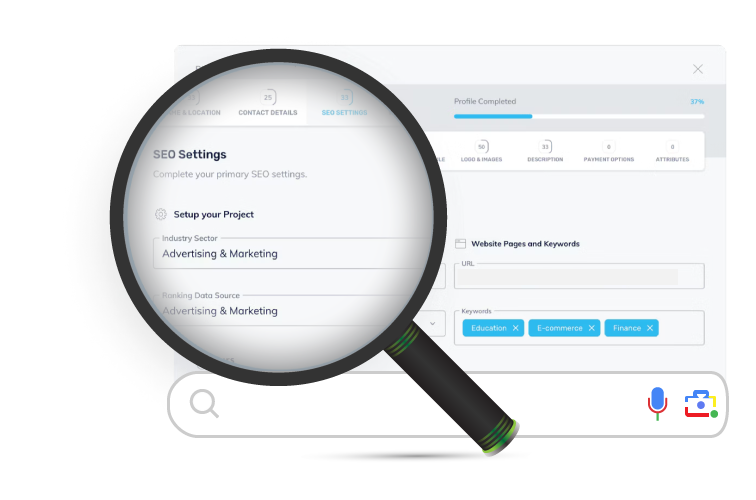
Navigating the world of Search Engine Optimization (SEO) can be daunting, especially for small business owners and those new to managing a website. Many hosting companies offer built-in tools to simplify the process, and one such tool is the Simple SEO Tool from Crazy Domains. But what does it actually do, and can it really help you rank higher on Google?
In this post, we’ll break down the core features of this tool to help you understand how it works and determine if it’s a worthwhile investment for your website.
Here’s a Brief Video
The Core Features of Crazy Domains Simple SEO
The tool is designed as a guided, step-by-step system. Let’s look at each component.
1. Quick Project Setup & Keyword Research
Getting started is the first hurdle in any SEO campaign. This feature aims to simplify it:
- Initial Setup: You begin by providing information about your business and selecting industry-related keywords that you want to rank for.
- Keyword Assistance: The tool doesn’t just leave you guessing. It provides data on keyword trends and offers a bulk upload feature, which is useful if you already have a list of terms you’re targeting. This initial step is crucial for framing your entire SEO strategy.
2. Automatic SEO Health Check
Before you can fix problems, you need to know what they are. The Simple SEO tool automates this with a website crawl. It scans your site to identify common but critical technical SEO issues that could be hurting your rankings, such as:
- Broken links (404 errors)
- Slow page load speed
- Duplicate meta titles and descriptions
- And other on-page SEO factors.
This provides a foundational report card for your website’s technical health.
3. SEO Guide & Vital SEO Actions
Once the problems are identified, the tool generates a prioritised action plan. This is arguably the most valuable part of the service.
- Step-by-Step Guides: For each issue found, you get a detailed, step-by-step guide on how to fix it. This includes how-to videos and templates, making it accessible even for non-technical users.
- Competitor-Driven Insights: The tool uses a machine learning algorithm to analyze thousands of data points from your competitors for the keywords you are targeting.
- Prioritised Recommendations: Based on this analysis, you receive a list of specific actions organized by priority. These actions are broken down into seven key categories: Web and Mobile Development, Site Content, Design, Brand Marketing, Social, and Content Creation.
4. Simplified Workflow & Advanced Filtering
An action plan is useless if it’s overwhelming. The tool includes project management features to help you execute your plan:
- Task Management: Actions are displayed in a clear workflow, allowing you to track progress, delegate tasks, or create a personal to-do list.
- Advanced Filters: You can filter the recommended actions by category (e.g., “Site Content”), keyword, specific page URL, or even the estimated time to complete. This is fantastic for focusing on quick wins first.
- CSV Export: For those who prefer spreadsheets or work with a team, you can export the action list as a CSV file for easy tracking and delegation.
5. Google Analytics & Search Console Integration
A huge plus for this tool is its ability to connect directly to your core Google properties. You can seamlessly link your Google Analytics 4 (GA4) and Google Search Console accounts.
This integration pulls vital performance data directly into your dashboard, allowing you to monitor metrics like:
- Organic traffic and new user acquisition
- Clicks, impressions, and click-through rate (CTR)
- Average search ranking position
- User session data
This closes the loop, helping you see if the actions you’re taking are actually impacting your performance on Google.
6. Automated Reporting
Finally, the tool helps you measure your progress over time with comprehensive performance reports. You can benchmark your results and clearly see which actions have contributed to an improvement in your search engine rankings. This is essential for proving ROI and justifying continued effort in SEO.
What About the “Pro Action Upgrade”?
For those who are short on time or find a particular task too technical, Crazy Domains offers a “Pro Action Upgrade”. This is a paid, add-on service where their team of SEO experts will implement specific optimisations for you. It’s a handy escape hatch if you get stuck and need a professional hand.
Final Verdict: Who is the Simple SEO Tool For?
The Crazy Domains Simple SEO Tool is clearly designed for a specific audience:
- Beginners and DIYers: If you are new to SEO and find the topic overwhelming, the guided checklists, video tutorials, and prioritised action plans are a great starting point.
- Small Business Owners: If you manage your own website and don’t have the budget for a dedicated SEO agency, this tool can provide a structured framework to make meaningful improvements.
- Website Owners Looking for Structure: Even if you know a bit about SEO, having an automated tool that finds issues and organizes them into a manageable workflow can save significant time and effort.
However, seasoned SEO professionals or large enterprises with complex needs will likely find the tool too basic and will require more advanced, specialized software. For its target audience, though, the Simple SEO tool appears is a solid, all-in-one solution that demystifies SEO and turns it into a clear, actionable process.